


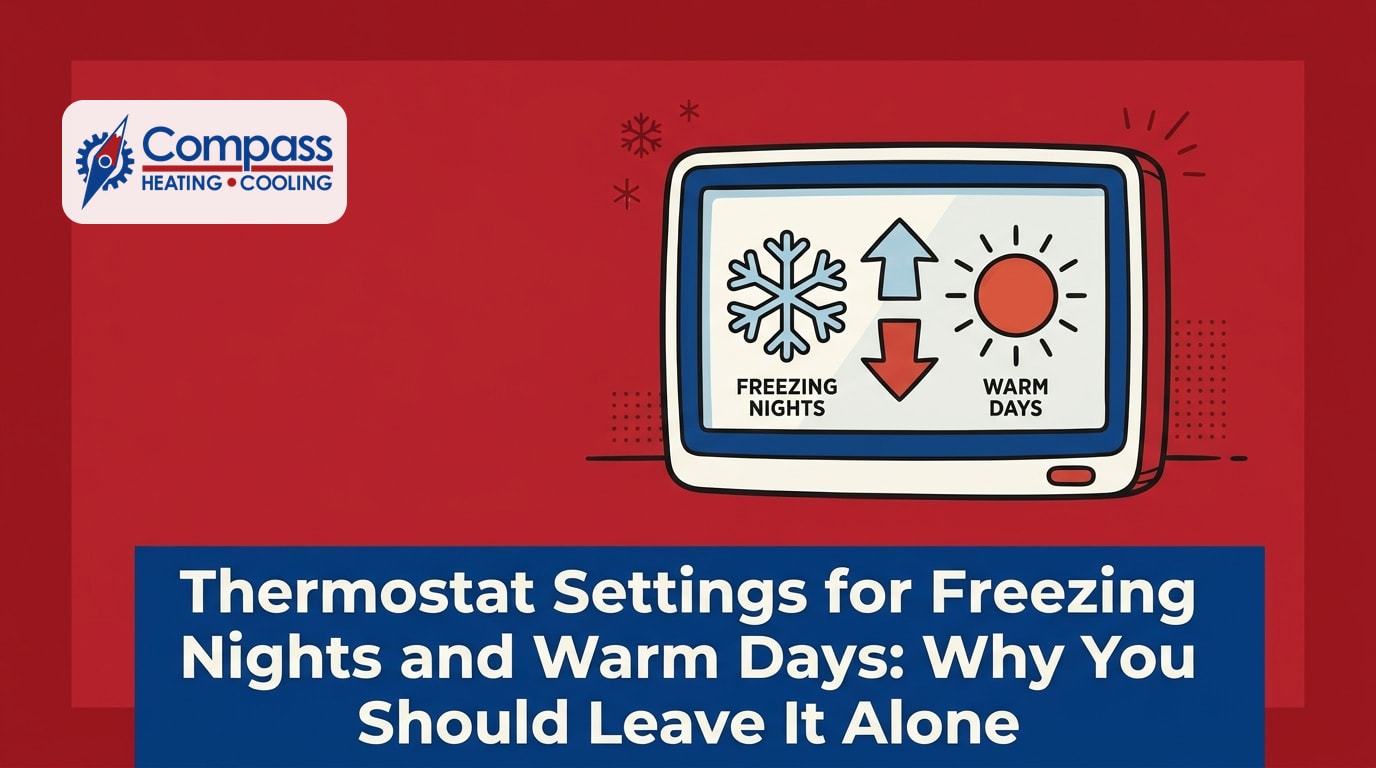
Thermostat Settings for Freezing Nights and Warm Days: Why You Should Leave It Alone
The Temptation to Tweak During Drastic Fall Temperature Swings
Late fall weather is officially here, which means finding the right thermostat settings for freezing nights and warm days can feel like a full-time job. By mid-November, it is incredibly common to wake up shivering in the dark, only to find yourself sweating in the afternoon sun just a few hours later. When you are dealing with a massive 40-degree temperature swing in a single day, the immediate temptation is to walk over to the hallway wall and manually flip your system from heating to cooling. You might think you are outsmarting the weather, but you are actually forcing your equipment to work harder than necessary. Every time you manually intervene, you interrupt the system's natural cycle, which usually leads to higher energy bills and decreased indoor comfort. The core decision you face this season is whether to keep playing the role of a human thermostat or to finally trust the modern auto-changeover features built into your equipment.
For professional help optimizing your home's climate control, explore our heating services today.
The frustration of erratic November fall weather is entirely understandable. When the indoor temperature climbs past 75 degrees because of the afternoon sun, the natural reaction is to turn on the air conditioning to find immediate relief. However, this reactive habit ignores how your home actually stores and releases heat. Your drywall, flooring, and furniture absorb that afternoon warmth and slowly release it as the sun goes down. If you manually blast the AC at 3:00 PM, you strip all that free, stored heat out of your home. A few hours later, when the outside air plummets back below freezing, your furnace has to work twice as hard to recover the temperature you just erased. Resisting the urge to tweak the dial is the first step toward a more efficient, comfortable home.
How High Altitude and Low Humidity Trick Your HVAC System
Why do we experience these drastic daily shifts in the first place? Living in the Loveland CO / Front Range area means dealing with a unique set of geographic and atmospheric variables that directly impact your indoor comfort. High altitude and incredibly low humidity create an environment where the outside air simply cannot hold onto thermal energy once the sun dips behind the mountains. As a result, atmospheric heat loss is nearly instantaneous the moment evening arrives, sending a sudden chill through your home's exterior walls.
Conversely, during the day, the intense high-altitude solar radiation pours through your windows. This intense solar gain acts like a magnifying glass, rapidly heating your living room even if the outside air remains relatively crisp. These rapid environmental changes demand a strategic, automated response from your HVAC equipment, rather than reactive human adjustments based on how the room feels at any given minute.
• Early Morning (6 AM) — Outdoor Condition: Near Freezing, Low Humidity — Indoor HVAC Challenge: Rapid heat loss requires steady furnace operation to maintain a comfortable baseline.
• Mid-Afternoon (2 PM) — Outdoor Condition: Crisp Air, Intense Solar Radiation — Indoor HVAC Challenge: Greenhouse effect through windows causes indoor temperatures to spike rapidly without the furnace running.
• Late Evening (8 PM) — Outdoor Condition: Sudden Temperature Drop — Indoor HVAC Challenge: System must recover from daytime warmth and prepare the home for another freezing night.
Generic national HVAC blogs often provide advice meant for the humid Midwest or temperate coasts, where temperatures shift slowly. As your Loveland heating specialists, Compass Heating & Cooling understands that the Front Range demands a completely different approach. We know that navigating these extreme local weather patterns requires relying on your system's advanced features to manage the heavy lifting, ensuring your home stays comfortable without wasting energy.
The Hidden Costs of Constantly Flipping Between Heat and Cool
The biggest problem with managing a 40-degree temperature swing manually is the immense mechanical stress it places on your equipment. When you walk past the thermostat and immediately switch the system from "Heat" to "Cool," you are demanding an instant reversal of complex mechanical processes. The immediate cause of system wear and tear is this lack of a transition period. The blower motor is still trying to clear hot air out of the heat exchanger, while the air conditioning compressor is suddenly commanded to fire up and push cold refrigerant through the coils. The solution is to utilize the automated features of modern heat pump systems and smart thermostats, which are explicitly programmed to handle these transitions safely.
Why Your System Fights Itself
When a system is manually forced to reverse operations without a proper resting period, it experiences mechanical confusion. Compressors require time for internal pressures to equalize after shutting down. If you force an immediate restart in the opposite mode, the compressor has to start against high pressure, which draws a massive spike in electrical current. Over time, this intense stress degrades contactors, stresses capacitors, and significantly shortens the lifespan of critical components.
Beyond the mechanical wear, manual toggling guarantees energy waste. When you manually switch modes, you often cause the system to "overshoot" the target temperature. You turn on the AC because you feel warm, forget about it for an hour, and suddenly the house is 65 degrees right as the sun goes down. Now, the furnace has to burn extra fuel to drag the temperature back up to 70 degrees. This constant tug-of-war causes massive energy spikes that will undoubtedly show up on your next utility bill.
Auto-Changeover: Your Secret Weapon for Erratic Weather
The most effective solution for surviving November erratic fall weather without stressing your equipment is a feature called "auto-changeover." Unlike traditional thermostats where you must manually select either "Heat" or "Cool" mode, auto-changeover allows the thermostat to decide which mode is necessary based on real-time indoor conditions. It acts as the brain of your climate control strategy, calculating the most efficient way to maintain a comfortable baseline without human interference.
Here is how you can utilize this secret weapon in your home:
1. Locate the Auto setting: On most modern smart thermostats, tap the system mode icon (where you usually select Heat or Cool) and look for a setting labeled "Auto" or "Heat/Cool."
2. Establish your boundaries: The system will ask you to input two distinct temperatures—a minimum temperature for heating and a maximum temperature for cooling.
3. Enable the algorithm: Once set, the thermostat's internal algorithm takes over. It calculates the current temperature, the rate of temperature change, and the historical performance of your equipment to decide exactly when to engage the furnace or the AC.
4. Step away from the wall: The hardest step is simply letting the system do its job. Resist the urge to override the algorithm, even if the house feels slightly warm for a brief period in the afternoon.
By relying on auto-changeover, you eliminate the risk of short-cycling your equipment. The thermostat enforces mandatory delays between heating and cooling cycles, protecting your compressor and ensuring your blower motor operates at peak efficiency.
Setting the Perfect 'Deadband' to Prevent System Conflict
To make auto-changeover work correctly during a 40-degree temperature swing, you must understand a crucial technical concept known as the "deadband." A deadband is simply the temperature gap or buffer zone between your heating setpoint and your cooling setpoint. Inside this buffer zone, the HVAC system remains completely idle. Neither the furnace nor the air conditioner runs. The house is allowed to naturally fluctuate based on passive solar gain or mild heat loss.
Setting a proper deadband is essential to prevent your furnace and AC from running in rapid succession. If you set your heat to 70 degrees and your cool to 71 degrees, you have created a tiny 1-degree deadband. On a volatile fall day, the furnace will heat the house to 70, the sun will immediately push the room to 71, and the AC will instantly kick on. The two systems will battle each other all afternoon, wasting massive amounts of energy.
The industry standard is to establish a 3 to 5-degree deadband. For example, you might set your heating to 68 degrees and your cooling to 73 degrees. In this scenario, the furnace keeps you warm during the freezing morning. As the afternoon sun warms the house to 70 or 71 degrees, the system stays completely off, letting you enjoy the free solar heat. The AC will only engage if the house pushes past 73 degrees. This simple 5-degree gap eliminates system conflict entirely.

Optimal Thermostat Settings for Freezing Nights and Warm Days
Knowing the mechanics of your thermostat is only half the battle; applying the right numbers is what actually drives comfort and efficiency. The U.S. Department of Energy recommends a baseline winter heating setting of 68 degrees while you are awake at home. However, navigating November erratic fall weather requires layering that baseline with smart scheduling and a proper deadband. The goal is to maximize free heat from the sun while minimizing the mechanical workload on your equipment.
Here is a concrete checklist for optimizing your settings during volatile weather transitions, which pairs perfectly with keeping up on your routine HVAC maintenance:
• Set the morning heating baseline: Program the heat to 68 degrees starting about 30 minutes before you wake up. This cuts the morning chill without overworking the furnace.
• Establish the cooling ceiling: Set the cooling point to 73 or 74 degrees. This wide deadband allows the afternoon sun to warm the house naturally without triggering the air conditioner prematurely.
• Leverage ceiling fans: During the warm afternoon, use ceiling fans running counter-clockwise to circulate the trapped solar heat throughout the house. This keeps you comfortable without needing mechanical cooling.
• Schedule a nighttime setback: Drop the heating setpoint to 62 or 64 degrees while you sleep. The house will cool down naturally overnight, saving energy while you are under the blankets.
• Commit to the "set it and forget it" method: Once these parameters are locked into your auto-changeover schedule, do not touch the dial. Let the thermostat's algorithm handle the daily fluctuations.
Preparing Your Equipment for the Deep Winter Transition
While mastering your daily thermostat settings will help you navigate erratic fall swings, the broader season eventually demands a full shift to primary heating. The extreme daily variations of the Loveland CO / Front Range area will soon give way to permanent freezing temperatures. As the warm afternoons disappear, your system's cooling functions will go completely dormant until spring.
This late fall period is the critical window for ensuring your heavy-duty heating equipment is ready for the long haul. If you operate a dual-fuel system, this is the time of year when the equipment dynamics shift significantly. A dual-fuel setup relies on an electric heat pump during the milder fall days and automatically switches over to a powerful gas furnace when temperatures permanently drop below freezing. Understanding when to switch from a heat pump to a gas furnace is vital for maintaining efficiency as the deep winter approaches. Before the ground freezes solid, ensure your primary heating components have been inspected, cleaned, and calibrated to handle the sustained workload of a Colorado winter.
Frequently Asked Questions About Fall Thermostat Management
How do you set a thermostat for cold nights and warm days?
The best method is to use the "Auto" or "Auto-Changeover" mode on your thermostat. Set a heating point for the cold nights (such as 68 degrees) and a cooling point for the warm days (such as 73 degrees). This creates a comfortable buffer zone where the system stays off, allowing the house to adapt naturally to a 40-degree temperature swing without wasting energy.
Is it bad to switch from heat to AC in the same day?
It is not inherently bad if the system manages the transition automatically, but manually flipping the switch rapidly can cause severe mechanical damage. Immediate manual switching forces the compressor to start under extreme pressure and can cause the system to short-cycle. Always allow at least a 5-minute resting period if you must switch modes manually, or rely on an auto-changeover feature to safely manage the transition.
What is auto changeover on a thermostat?
Auto changeover is a smart feature that allows the thermostat to automatically switch between heating and cooling modes based on the current indoor temperature. Instead of you manually selecting "Heat" or "Cool," you provide a temperature range, and the thermostat's algorithm calculates exactly which system needs to run to keep the home within those boundaries.
What is a thermostat deadband and why is it important?
A thermostat deadband is the mandatory temperature gap between your heating and cooling setpoints. It is incredibly important because it prevents your furnace and air conditioner from running at the same time or in rapid succession. A standard 3 to 5-degree deadband ensures your system rests during mild afternoon hours, saving energy and reducing wear and tear on your equipment.
Why does my house heat up so fast in the afternoon even when it's cold outside?
Your house heats up quickly due to passive solar gain and the thermal mass of your home's interior. Intense sunlight pouring through south- and west-facing windows acts like a greenhouse, trapping UV radiation inside. Your furniture, floors, and walls absorb this heat and radiate it back into the room, causing indoor temperatures to spike even if the outdoor air is chilly.
Set It, Forget It, and Stay Comfortable This November
Surviving November erratic fall weather ultimately comes down to resisting the urge to micromanage your indoor climate. By setting a proper deadband and trusting your thermostat's auto-changeover mode, you protect your equipment from mechanical stress while keeping your energy bills in check. A properly calibrated system will handle those massive daily temperature swings effortlessly. If your equipment still struggles to maintain these automated settings, or if you find yourself constantly uncomfortable despite having the right schedule in place, it may be time to have a professional evaluate your system's performance before the deep winter freeze arrives.
hear what our satisfied clients have to say
Our clients consistently praise our exceptional service and attention to detail. They appreciate the personalized approach we take to meet their unique needs, ensuring satisfaction every step of the way.